Need Canva, Dropbox, or GitLab but stuck on OAuth? Hermes now installs 44 official remote MCPs in one command
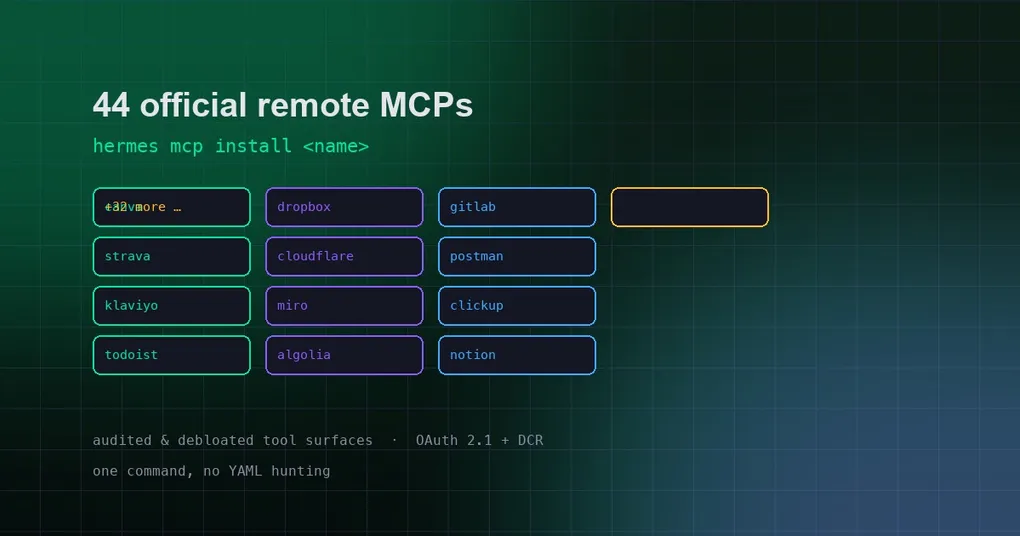
A teammate drops a request on your desk: “Pull that design file out of Dropbox and turn it into a weekly report.” Sounds simple — until you actually try. You head to the Dropbox developer portal, register an app, configure the OAuth redirect, copy client IDs and secrets, then hand-write a JSON config for an MCP server… two hours later you haven’t done a minute of real work. That is exactly the experience PR #94513, merged on August 25, sets out to kill: the Hermes MCP catalog just grew by 44 official remote MCPs — Canva, Dropbox, GitLab, Strava, Cloudflare and many more — installable with a single command, with OAuth handled for you and every exposed tool audited in advance.
What is the MCP catalog, and why this addition matters
Some quick background. MCP (Model Context Protocol) is the standard interface that lets an AI assistant call external services — for Hermes to read Dropbox files, edit a Canva design, or open a GitLab issue, it goes through an MCP server that translates those services into tool calls. Hermes ships with an MCP catalog: an officially maintained, tested list of servers, viewable with hermes mcp catalog.
Previously the catalog was thin — you either waited for an entry to be added or configured things yourself. This update expands it by 44 new entries in two families:
- 35 OAuth 2.1 browser-flow services: Canva, Monday, ClickUp, Todoist, Dropbox, Miro, Calendly, Plaid, Fireflies, Neon, Prisma Postgres, Postman, Globalping, Buildkite, Semgrep, Attio, Close, Cloudinary, Twelve Data, Indeed, Better Stack, Railway, Mixpanel, Algolia, Klaviyo, Amplitude, GitLab, CircleCI, MotherDuck, Strava, Gamma, Craft, WordPress.com, Robinhood — plus Cloudflare.
- 9 no-login public knowledge/search services: DeepWiki, Context7, Microsoft Learn, AWS Knowledge, Wolfram, Kiwi, Trivago, AllTrails, Twilio Docs.
One command to install: hermes mcp install
The usage is simple enough not to need docs:
hermes mcp catalog        # list every installable entry
hermes mcp install gitlab # install GitLab's MCP server
Finish the browser OAuth flow and the service is wired up. Want to refresh a server’s tool list? Re-run hermes mcp install <name>. Prefer a GUI? The web dashboard lets you search the catalog and click to install too.
The bigger deal: every tool surface was debloated
Installing servers is only half the story — installing a pile of dangerous tools is the real hazard. All 44 entries went through a unified debloat pass: each server’s tool list was checked against the vendor’s own documentation, and risky tools are disabled by default:
- Dropped outright: Zapier (a meta-tool that can discover and execute 40k+ actions), Wix (generic API invoker), Customer.io and Omnisend (generic HTTP executors), Apify (dynamic action mounting), Ramp (undocumented SQL/ETL layer) — these “master key” servers were rejected as a category.
- URL-level slimming: Postman uses the
/minimalvariant (the full server exposes 100+ tools); Klaviyo gets?core-tools-only=true, narrowing 262 tools to ~40; Cloudflare is pinned to?codemode=false, keeping code-execution mode off. - Default-exclude lists: 21 entries configure
tools.default_excludedto switch risky tools off by default — e.g. Close’s AI voice-agent tools (they place real phone calls), Better Stack’s raw SQL hatch, Buildkite’sget_job_env(secrets exposure). 2 entries usedefault_enabledallowlist mode.
And this isn’t limited to the 44 new entries: every MCP server installed from the catalog supports the same tool-filtering controls (tools.include / tools.exclude) for fine-grained exposure management. For deeper tuning, see our MCP config context-variables guide or the hermes mcp command reference.
A note on what “remote MCP” means for security
Remote MCP servers run in the cloud (officially hosted or vendor-provided), and your Hermes calls them over the network. Two things follow: first, auth goes through OAuth with keys stored in local config, never in conversation logs; second, the tool lists are officially audited, but what is actually exposed is still your call — after installing, run hermes mcp list to see the enabled tools and add anything risky to tools.exclude.
New to Hermes MCP? Start with the install guide to get your environment up, then come back to the catalog. For real-world MCP usage patterns, our Hermes mail guide and webhook business-notifications guide are solid next reads.
Summary
44 official remote MCPs turn “wrestle with OAuth and JSON config” into “run one command” for everyday services like Dropbox, Canva, GitLab, Strava and Cloudflare — and the unified debloat pass means you’re not importing the risk along with the integration. Next time a teammate asks you to turn a Dropbox file into a weekly report, hermes mcp install dropbox first — and let Hermes handle the rest.