Hermes Desktop Just Changed: The Preview Pane Is Now a Full Browser-Control Loop
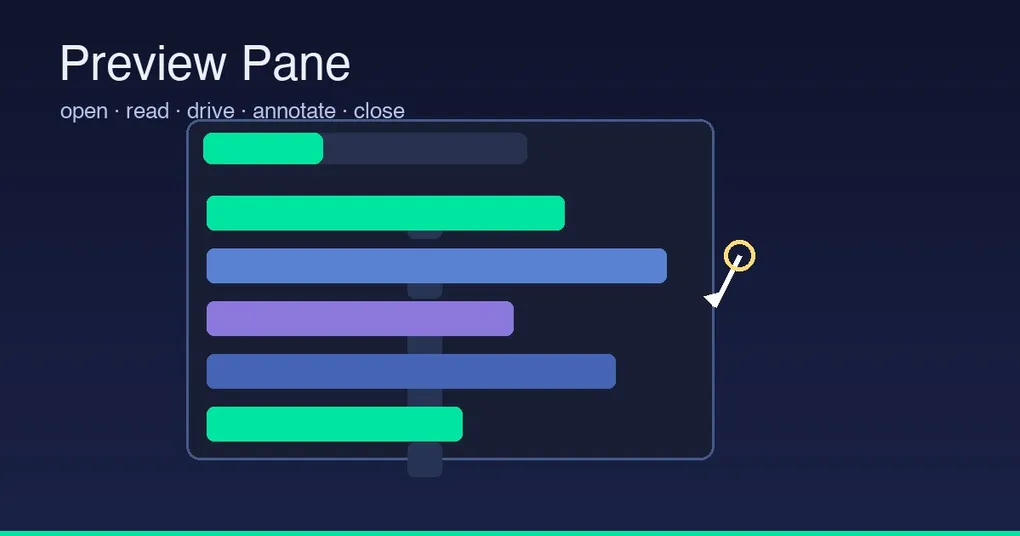
You ask Hermes to “log into this site and pull my invoices” — it used to scramble around in a separate Chromium you couldn’t see, losing every login session, and you’d only find out what happened afterward. Not anymore: the Preview Pane in Hermes Desktop has been wired through — the agent can now drive the in-app browser right in front of you, using the sessions you’re already signed into, step by step. A batch of changes merged to main on August 19–20 turned this surface from a one-way mirror into a complete loop.
The Full Picture: A Complete Toolchain
The Preview Pane used to be a one-way mirror: open_preview put a page in the pane and read_preview read its text back, but the agent could never touch it. The desktop toolset now has a full set:
| Tool | What it does |
|---|---|
open_preview |
Opens a page in the pane (existing) |
read_preview |
Reads page text back (existing) |
drive_preview |
Operates the page: elements inventories clickable/typable elements, then click/type/scroll/press act on them; back/forward/reload drive history |
annotate_preview |
Holds a mark on an element (“click here”) — pointing without acting |
close_preview |
Closes the whole pane or a specific tab (new Aug 19 — previously the agent could only beg you to hit ✕) |
The browser bar also gained an “open in system browser” button and a copy-URL button (SSH gateways get the forwarded address automatically), and chat links now have a right-click menu: open in the in-app browser or the system browser. The in-app browser and your everyday browser finally talk to each other.
What Makes It Feel “Silky”
Three underlying designs are what actually transform the experience:
1. Incremental diff reads — no more shipping the whole page. Every “look” used to re-send the full page inventory. Now: only the first look returns the full inventory; every look after that returns what moved — added (new elements in full), changed (handle + whichever of label/value/disabled actually shifted), removed/rebound as bare lists. Measured on an 85-element app shell: baseline load dropped from 18,693 to 4,930 characters, and a steady turn that moved two things costs about 200. A ten-step task used to pay for ten copies of a page that had barely moved. A full re-read only comes back when half the page is new.
2. Durable element handles — framework re-renders don’t lose them. Elements are named after what they are and say (btn-sign-in, inp-email), remembering a stable attribute, role, accessible name, and the landmark they sit in. When a framework destroys a node and builds a new one, the handle automatically re-binds (the agent hears rebound instead of a removal plus an addition to re-read). The :nth-child selector chain that rode along with every element is gone — it was 74% of the inventory on an 85-element page, and a positional chain breaks the moment a sibling appears. An #id or [data-testid] survives where the page offers one.
3. Real input, not synthetic events. Actions go through Chromium’s sendInputEvent — a page cannot tell the difference, and hover/focus state behaves exactly as a user’s would (synthetic clicks leave pages in states no user could have produced, and React-style frameworks swallow forged input events). The engine is still injected, but only to resolve handles, measure nodes, and read the page back — the acting itself is real input at real coordinates.
Superviseability: You Can See It, So You Let It Drive
Driving a browser the user is signed into is different from driving a throwaway one. So the pane narrates what the agent is doing in real time: the field it’s considering, the element it’s aiming at, the click landing, the text it just read. The pulse continues through the 20–100 seconds the model spends thinking — a person glancing at the pane can tell what the agent is about to do to their live session, and stop it. This isn’t unsupervised automation; it’s automation you watch.
What You Can Do
- Signed-in tasks: “log into the dashboard and pull my invoices” — done in the pane, with your existing sessions;
- Form filling:
elementsto find inputs →typeto fill → submit, fully visible; - Collaborative pointing:
annotate_previewmarks the target element, the agent only points, you click (great for “help me change this one thing” workflows); - Cleanup:
close_previewdismisses the pane when done — no begging required.
Release Status & How to Get It
These capabilities (#90197 / #90239 / #89366) merged to main on August 19–20 and are not yet in a release (latest is still v0.20.5). To try them: hermes update --branch main or wait for the next release. They complement the existing browser_* tools (which drive a separate Chromium): the Preview Pane is for “the browser in front of you, already signed in”, while browser_* is for unattended automation — pick based on whether you want to watch. More desktop capabilities: Hermes Desktop Skills Hub and the Bot Mode deep dive; the browser control also got a summary in 4 Hidden Hermes Tricks.
Wrap-up
What the Preview Pane wiring-up really changed is this: agent-driven web browsing went from a background black box to visible, stoppable collaboration — fast because of incremental reads, stable because of handle re-binding, real because of genuine input, and trustworthy because of the live narration. Install the main build and let Hermes drive a page in front of you once — that “silk” feeling is a different experience from before.