Hermes Desktop Skills Hub: Browse, One-Click Install, and Per-Profile Isolation — No More Memorizing Commands
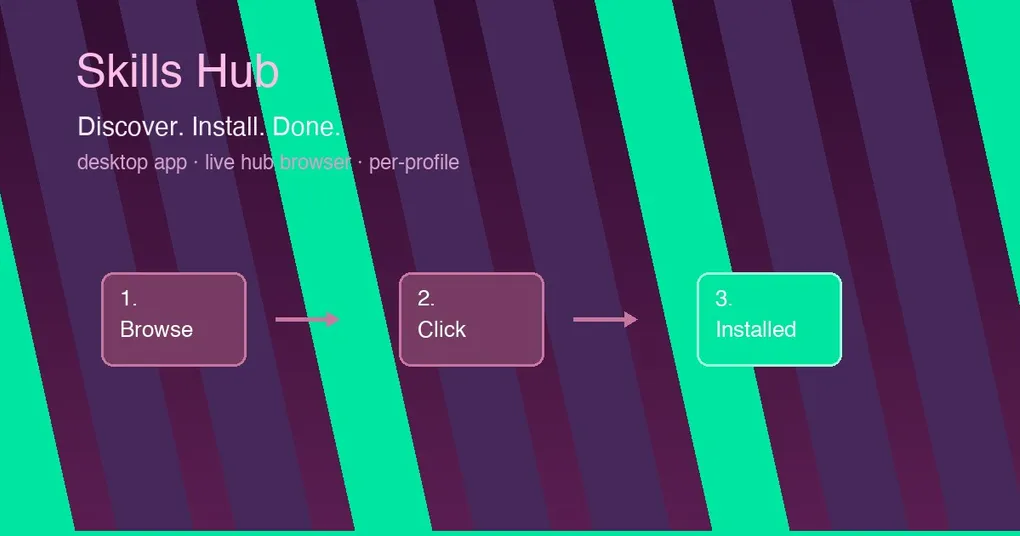
Remember installing your first skill for Hermes? Open a terminal, dig up the hermes skills install docs, guess what some name actually does, and wait for slash autocomplete to refresh before you can confirm it worked. Whether a skill is worth trying or duplicates another one — basically a blind guess.
That experience just ended on desktop: the Skills tab is now the single home for skill management AND discovery, with an embedded live Skills Hub browser, one-click installs, a full-skill detail pane, and per-profile isolation. No more memorizing commands.
The upgrade in one sentence
The desktop app’s Capabilities → Skills tab went from “manage what’s installed” to “manage + discover in one place”: below the installed list sits the Skills Hub browser (expanded by default), one click installs, one click reads the full text — all in the GUI. Two PRs landed on consecutive days (#87312 on Aug 15, #87317 on Aug 16), both currently on main.
The four core improvements
1. Embedded Skills Hub: browse → one-click install
The Skills tab now embeds the live Skills Hub (the official skills center’s embedded view): search it, filter by source, preview skills. Spot one you like — one click installs it. Already-installed skills refuse duplicate installs with an “X is already installed” toast, so your local modifications are never overwritten.
Installs flow through the standard hub action pipeline: background execution, tailed logs, optimistic UI updates — and when it finishes, the skills list and slash autocomplete refresh automatically. Ready to use immediately.
2. Full-skill detail pane: no more one-line descriptions
Clicking a skill used to show a single description line. The detail pane now renders everything: frontmatter metadata (name, description, tags…) as key/value rows, plus the complete SKILL.md body — what it teaches, how to trigger it, which tools it depends on, all visible at a glance.
3. Per-profile isolation: each profile sees its own skills
The “Configuring:” profile selector at the top of the Capabilities view now scopes the whole view (Skills, Tools, MCP, and hub browsing) instead of just Tools/MCP. That means:
- Switching profiles changes the skills list, toggles, editor, archive, and usage analytics all at once;
- Installs/uninstalls/updates run against the currently selected profile;
- Switching profiles drops any open editor/archive dialogs, so edits from profile A never land in profile B by mistake.
4. SkillsView ships in the plugin SDK
The SkillsView component is now exported from @hermes/plugin-sdk, with embedded (stays local, never touches the page router) and fixedProfile (pins all tabs to one profile, hides the selector) props — Bot Mode and friends can now embed the real skills-management surface inside their own create/edit-agent dialogs instead of building a half-baked clone.
A new getSkillContent(name, profile?) API accompanies it: any integrator can read a skill’s full content scoped to a profile.
How to use it
- Open the desktop app → Capabilities on the left (or jump straight to the Skills tab);
- Pick the profile to manage via “Configuring:” at the top;
- The Skills Hub browser sits below the installed list — search, browse, hit Install;
- Click any skill to see the full detail (metadata + SKILL.md);
- Start a new conversation — the skill is already in slash autocomplete.
The CLI still works (see the hermes skills command reference); the GUI is a complement, not a replacement — CLI for scripted bulk operations, desktop for browsing and discovery.
Who benefits most
- Skill tinkerers: no more
hermes skills search+ trial and error — browse visually, install with a click; - Multi-profile users: each profile (work/personal/project) gets fully isolated skills that never bleed into each other;
- Plugin developers: the
SkillsViewSDK export lets you embed real skill management inside your own UI; - Newcomers: the cognitive cost of installing a skill drops from “memorize a command” to “click a button.”
For ideas on combining skills, see Hermes v0.19 Skill Combos and the Top 8 Skills rundown.
Release status
Both PRs merged to main on August 15–16, 2026 (14 new tests + 39 regression tests, all passing). This is not in any official release yet (latest is still v0.20.1). Desktop users who want it now: wait for the next release and hermes update, or build the desktop app from main.
Wrap-up
This Skills Hub upgrade closes the last mile of Hermes’ skill ecosystem: browse, install, read, and isolate — all graphical, with slash autocomplete updating instantly and profile isolation preventing cross-contamination. For anyone who lives in skills daily, this is one of the most practical desktop updates in recent memory. Installing a skill, without memorizing a command.