Hermes WebUI
A lightweight, dark-themed web interface for Hermes Agent — full parity with the CLI experience, no build step, no framework, just Python and vanilla JS. Access your agent from any browser, including your phone.
What Is It
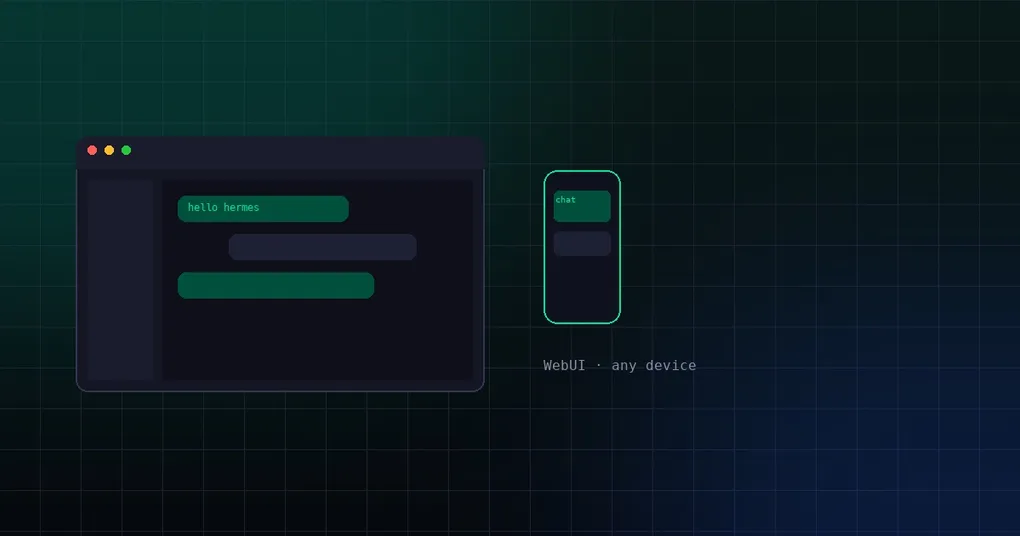
Hermes WebUI is a lightweight, dark-themed web application that puts a full Hermes Agent interface in your browser. It aims for full parity with the CLI experience — everything you can do from a terminal, you can do from this UI. There is no build step, no framework, no bundler: just Python and vanilla JavaScript.
Because Hermes Agent is designed to live on a server and be reached from anywhere, WebUI is the natural companion: it turns your agent into a first-class web app you can open from a laptop, tablet, or phone.
Key Features
| Feature | What it does |
|---|---|
| Three-panel layout | Left sidebar for sessions and navigation, center chat, right workspace file browser |
| Hermes Control Center | Launcher at the sidebar bottom: conversation export/import/clear, preferences, settings |
| Tasks panel | View, create, edit, run, pause/resume, and delete cron jobs; run history and completion alerts |
| Skills panel | List skills by category, search, preview, create/edit/delete, linked-files viewer |
| Memory panel | View and edit MEMORY.md and USER.md inline |
| Profiles panel | Create, switch, and delete agent profiles; clone configuration |
| Todos & Spaces | Live task list from the current session; add/rename/remove workspaces with topbar switching |
| Context ring | Circular indicator in the composer showing token usage at a glance |
| Voice input | Dictate to your agent from the browser |
| Mobile responsive | Touch-friendly layout that works on phones and tablets |
| Remote access | SSH tunnel, Tailscale, or direct phone access instructions included |
| Docker | Single-container quickstart in about 5 minutes, plus multi-container setups |
Getting Started
The quickest path is the official launcher script, which detects Hermes Agent (installing it if missing) and starts everything:
git clone https://github.com/nesquena/hermes-webui.git
cd hermes-webui
bash start.sh
This starts the Hermes server (default http://localhost:8787), and you open the UI in your browser. A Docker path exists too:
docker run -p 8787:8787 ghcr.io/nesquena/hermes-webui:latestWhy It Matters for Hermes Users
Hermes Agent shines when it runs long-lived on a server — with persistent memory, cron jobs that fire while you’re offline, and 10+ messaging platforms. Hermes WebUI removes the last friction point: a polished, browser-based way to interact with that always-on agent from any device. If you want a GUI over Hermes without giving up self-hosting, this is one of the most popular options in the ecosystem — and it’s deliberately dependency-free.
Links
- Repository: github.com/nesquena/hermes-webui
- Website: get-hermes.ai/setup