Hermes Web Search Without API Keys: 5 Free Channels + Zero-Config Round-Robin, Explained Step by Step
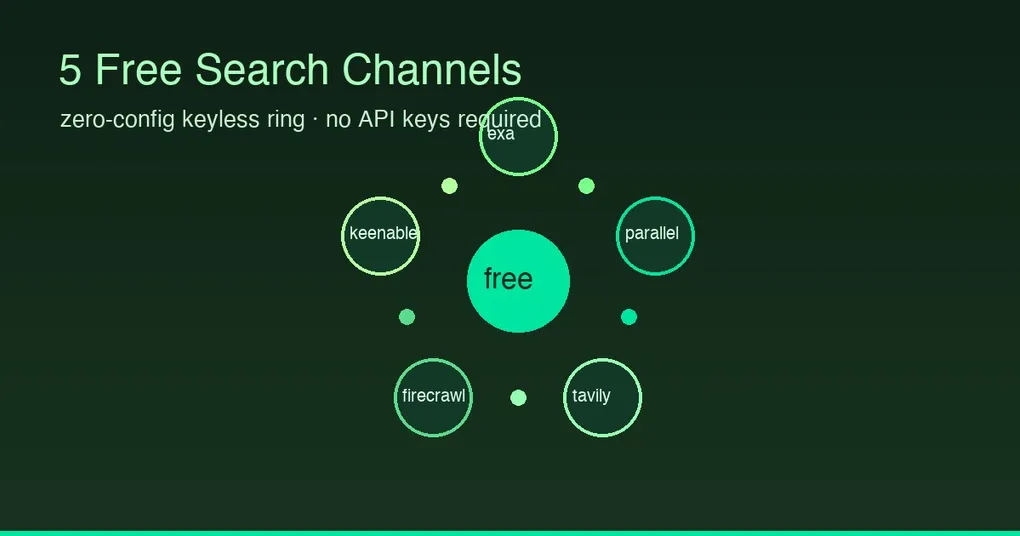
Ever had this moment: you want your AI to look up something live, and it starts with registering a search API account, applying for a free quota, and pasting an API key into a config file — half an hour later, search still hasn’t happened. Two days ago (August 20), Hermes made this “works out of the box”: a fresh install searches the web with zero configuration, and there are five free channels to pick from. This post walks through each one and how to choose.
The headline: the keyless ring — zero-config automatic rotation
Previously a credential-less Hermes had to lean on ddgs or a self-hosted SearXNG. The commit merged to main on August 20 (4ea69d9d2) upgraded the “keyless tier” into a 5-vendor round-robin ring:
exa → parallel → tavily → firecrawl → keenableHow it works: a fresh Hermes with no web credentials walks this order, rotating across the five vendors’ free tiers (round-robin, one vendor per request, start seeded by a per-process random id); when the current vendor rate-limits or fails, it falls through to the next. In other words — you register nothing, and web.keyless_fallback (on by default) makes web search work immediately.
If you have a keyed backend configured and it fails, the companion web.keyless_rescue (also on by default) rescues that one call onto the keyless ring — never sticky (see trick 4 in 4 Hidden Hermes Tricks).
The five free channels, one by one
Channel 1: Keenable — zero key, and it does search AND extract
The new backend most worth knowing from this ring expansion (https://keenable.ai, an independent web index for AI apps):
# Nothing to configure — just point at it:
hermes config set web.backend keenable

# Optional: add a key for higher limits
hermes config set env.KEENABLE_API_KEY "your-key"- Zero key: public keyless endpoint; it only sends an app-identifier header (
X-Keenable-Title: hermes-agent), no user identifiers - Supports both search and extract (
supports_extract()returns True) — most free backends are search-only; this one can serve as yourweb_extractbackend too - Free tier is rate-limited;
KEENABLE_API_KEYraises the limits;web.provider_tier.keenable: free|paidpins the tier
Channel 2: ddgs (DuckDuckGo) — zero key, fastest to start
hermes config set web.backend ddgs
# First use: hermes tools → pick DuckDuckGo → auto pip install ddgs- Zero API key; scrapes DuckDuckGo results
- Search only (no extract); DuckDuckGo enforces server-side rate limits — a timeout just means “try again later”
Channel 3: SearXNG — zero key, best privacy, widest coverage
docker run -d --name searxng -p 127.0.0.1:8080:8080 \
  -e BASE_URL=http://localhost:8080 --restart unless-stopped searxng/searxng
hermes config set env.SEARXNG_URL http://localhost:8080
hermes config set web.backend searxng- Self-hosted meta-search aggregating Google, Bing, Brave, Wikipedia, and 70+ sources — best privacy (requests go through your own instance)
- Search only; some engines may block your SearXNG IP — configure fallback engines
Channel 4: Brave Search Free Tier — free key, high quality
hermes config set env.BRAVE_SEARCH_API_KEY "your-key"   # apply free at brave.com/search/api
hermes config set web.backend brave-free- Free tier: 2,000 queries/month, 1 QPS; high-quality results, low maintenance
- Search only; capped at 20 results per call
Channel 5: xAI — reuse the Grok credentials you already have, server-side search
hermes auth   # if you're already signed in with Grok OAuth, you're done
hermes config set web.backend xai- Routes through xAI’s agentic Web Search tool: Grok does the searching and page-browsing server-side, returning top results as structured JSON
- Auth reuses Hermes-managed Grok OAuth (
hermes auth), falling back toXAI_API_KEY— no separate search key to apply for - Optional knobs:
web.xai.model(defaultgrok-build-0.1),allowed_domains/excluded_domains(5 each max),timeout(default 90s)
Config cheat sheet
| Channel | Key needed | Search | Extract | One-liner |
|---|---|---|---|---|
| keyless ring (exa/parallel/tavily/firecrawl/keenable) | None | ✓ | ✓ (some) | Zero config, works on fresh install |
| Keenable | None (optional upgrade) | ✓ | ✓ | New backend, search + extract all-rounder |
| ddgs | None | ✓ | ✗ | Fastest to start |
| SearXNG | None | ✓ | ✗ | Best privacy, widest coverage |
| Brave Free | Free key | ✓ | ✗ | High quality, low maintenance |
| xAI | Reuse Grok | ✓ | ✓ | Server-side search, no new key |
Config keys at a glance: web.backend (shared fallback), web.search_backend (search only), web.extract_backend (extract only) — each can point at a different backend.
Release status
| Item | Status |
|---|---|
Keyless ring 5-vendor rotation (4ea69d9d2) |
main (merged Aug 20), unreleased — latest official release is still v0.20.4 |
| Keenable / xAI plugins | bundled plugins, shipped with releases (xAI since May; Keenable with the ring expansion) |
| Try it now | hermes update --branch main or wait for the next release |
Wrap-up
From “three free options you configure yourself” to “five free channels plus zero-config rotation,” Hermes web search took a big step on August 20: a fresh install searches out of the box, and existing users can upgrade instantly by pointing web.backend at keenable or xai. Want zero fuss — configure nothing (keyless ring); privacy — SearXNG; convenience — Keenable; quality — Brave Free; a Grok account — try xAI. The earlier three-option deep dive is in Free Search Skill Without API Keys, and the latest release notes in v0.20.4.